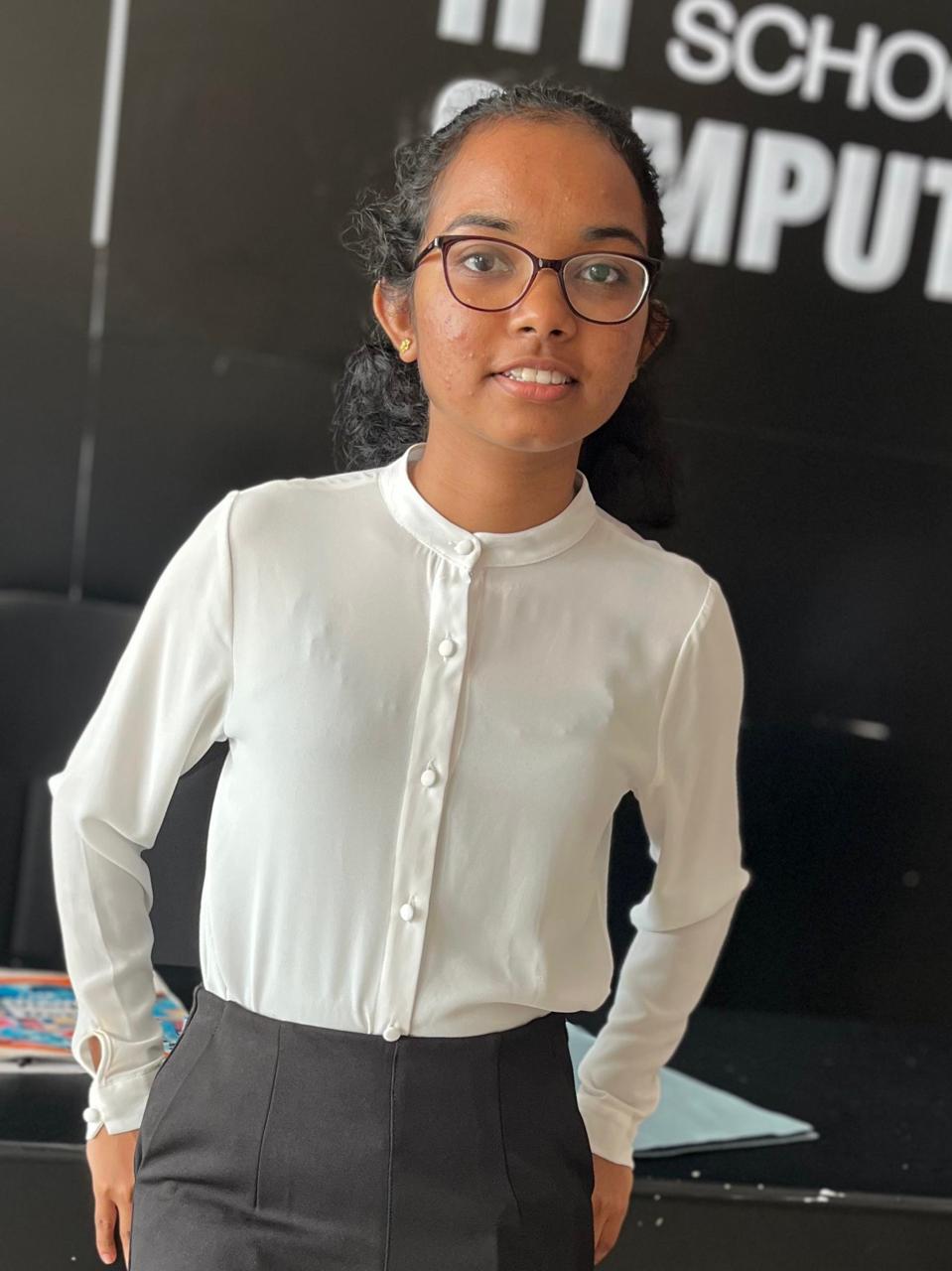
Editor photo

KASUNI
PIYUMANTHI

IIT ID : 20240454
UOW ID: w2120113

Role : Student 4


These following pages are created by me!

User Profile Page

Technical Description

I developed the User Profile, Feedback Form, and Feedback Display pages using HTML and CSS. The Profile Page includes a welcoming interface with background imagery, responsive layout, and styled text elements. The Feedback Form features structured input fields with custom styling and a layout designed for ease of use. The Display Page visually presents submitted feedback, with layout elements optimized for readability and user engagement. Each page includes consistent branding and navigation elements for a cohesive user experience. CSS was used to apply responsive design principles, custom fonts, color schemes, and layout adjustments across different devices.

Accessibility

Accessibility was addressed by using semantic HTML tags, alt text for all images, and ensuring sufficient color contrast. All pages utilize scalable text and a mobile-friendly layout. The interfaces are designed to be keyboard-navigable and screen-reader compatible, enhancing usability for all users.

Profile Page

You can continue with start button in profile page.You can see another pages also.So I didn't link them.

Sitemap Page

Technical Description

I created the Sitemap Page using HTML and CSS to provide a visual representation of the website’s structure. The layout includes organized sections that clearly display links to all key pages, enhancing site navigation. Custom CSS was used to style the sitemap grid, highlight sections, and maintain consistent branding with the rest of the site. The design is responsive and aligns with the website's overall theme and color scheme.

Accessibility

To ensure accessibility, I used semantic HTML elements, high-contrast colors, and descriptive link text. The sitemap layout is keyboard-navigable and screen-reader friendly, helping all users—including those with disabilities—navigate the site efficiently. Responsive design techniques were also applied to ensure readability across various screen sizes.

Sitemap page

Student 4 content Page

Technical Description

I incorporated a separate Page Editor for Student 4 using HTML and CSS. The design mirrors the main editor in layout and function but distinguishes itself with personalized content and stylistic adjustments. The CSS ensures consistency in branding while supporting an individualized layout.

Accessibility

This page also uses semantic HTML structure, labeled inputs, and accessible font sizing. The responsive design guarantees usability on all devices and supports screen readers and keyboard navigation for enhanced inclusivity.

Student 4 Content page

Challenges and Lessons Learned

One of the biggest challenges I faced during development was form handling. I initially wanted to use JavaScript to capture and process user input, aiming to build a dynamic and interactive experience. However, the assignment guidelines restricted me to using only HTML and CSS. To overcome this, I focused on building a well-structured and visually clear form layout. I designed the form in a way that clearly communicates user intent, even without real-time interactivity. This experience taught me the importance of working within constraints and how thoughtful structure and styling can still lead to an effective user interface. Designing layouts that adapt smoothly to different screen sizes was another key challenge, especially without using JavaScript for dynamic adjustments. I focused on building a clean HTML structure and leveraged CSS Flexbox and Grid to create responsive sections. Testing across devices helped me understand how layout behaviors change and how to prioritize mobile-first design. This process improved my ability to think in flexible, scalable layouts using only CSS.

Compliance and Standards

Throughout development, I ensured that all pages aligned with Janet’s web publishing regulations and followed WCAG 2.1 AA accessibility standards. I used semantic HTML elements to create a clear structure, maintained proper color contrast for readability, and designed for full keyboard navigation. I also made sure that images included descriptive alt text and that all interactive elements were labeled appropriately for screen readers. The Feedback page was carefully designed with data protection in mind. Although no JavaScript functionality was implemented, the layout includes placeholders for user consent messages and privacy notices. I avoided requesting unnecessary personal information and ensured the form layout supports transparency and user trust. All visual and written content used is either original or properly credited, in accordance with Janet’s intellectual property guidelines. I validated my code using W3C HTML5 and CSS3 validators, and structured everything with performance in mind—making sure pages load efficiently across devices. The overall theme, Life Below Water, supports Janet’s educational goals while meeting content suitability standards.

References

Provide links to resources you used following a consistent format (e.g., APA, MLA, or a simplified style).
For example:

iStock (2025) iStock. Available at: https://www.istockphoto.com/ (Last accessed: 11 Feb 2025).
https://www.w3schools.com/html/default.asp

Go to Top

Validate page

Validate Page